

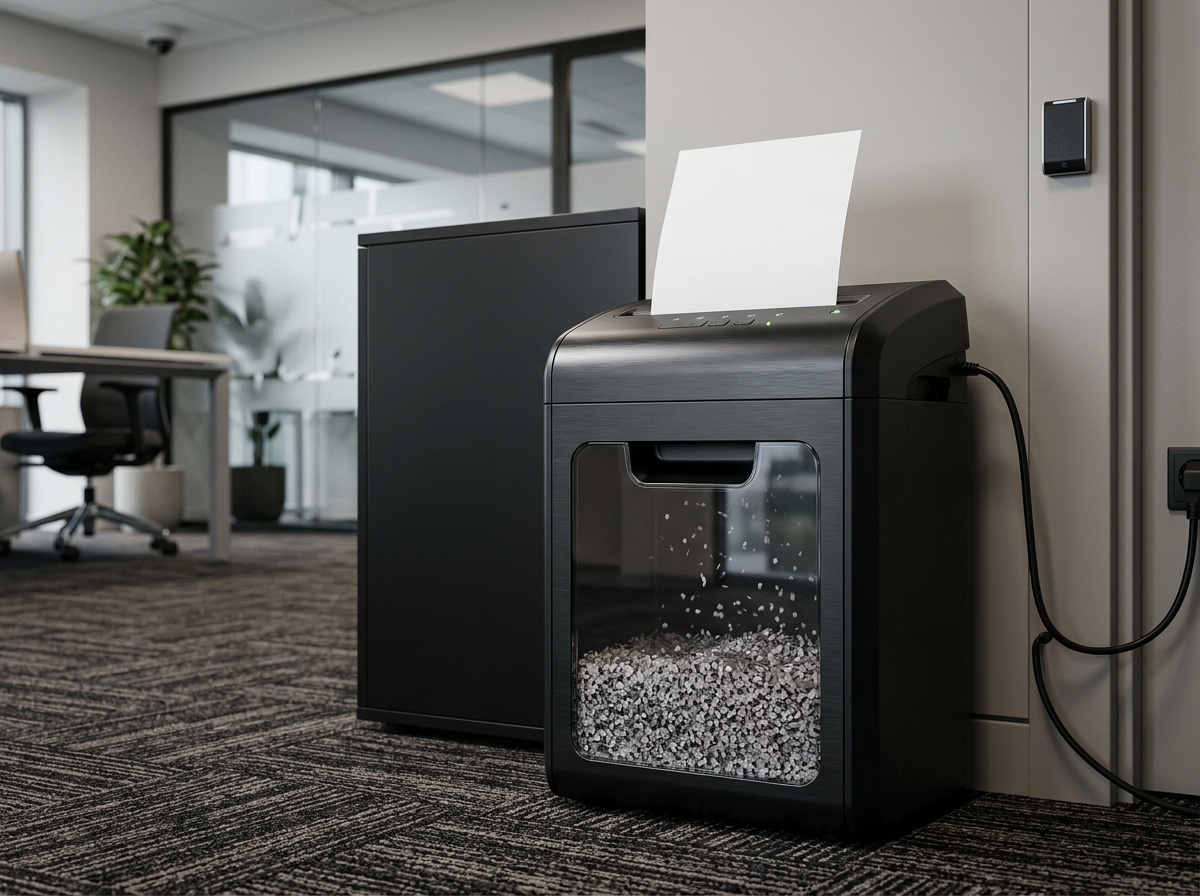
A thief doesn’t need to hack your network to steal your customers’ identities. Sometimes the job takes a recycling bin, a free afternoon, and a lot of strips of paper that someone taped back together. Strip-cut shredders leave long ribbons of text behind, and determined people can reassemble them.
That risk pushes many owners toward micro-cut shredders, which turn pages into tiny confetti. But micro-cut machines cost more, run slower, and need more maintenance. So does your business actually need one? This guide explains what the law requires, how security levels work, which documents deserve the toughest treatment, and how to pick a shredder that fits your office instead of overshooting it.
What the Law Actually Requires
Here’s the surprising part: no federal law says you must use a micro-cut shredder. The rules that govern document disposal focus on outcomes, not equipment.
The FTC’s Disposal Rule, which stems from the Fair and Accurate Credit Transactions Act (FACTA), requires businesses that hold consumer report information to take reasonable measures when they dispose of it. Shredding, burning, or pulverizing paper records qualifies. HIPAA requires covered healthcare entities and their business associates to safeguard protected health information, and that includes disposal that leaves records unreadable. The Gramm-Leach-Bliley Act places similar safeguards on financial institutions. State laws add their own requirements, and some are stricter.
The word “reasonable” carries weight in all of these rules. A regulator or a court will ask whether your disposal practices matched the sensitivity of the data. A cross-cut shredder may satisfy that test for ordinary records. A micro-cut shredder gives you a stronger answer for highly sensitive ones. This article offers general information, not legal advice, so check your industry and state requirements with a qualified advisor.
Strip-Cut, Cross-Cut, and Micro-Cut Explained
Shredders fall into three main groups.
Strip-cut machines slice pages into long vertical strips. They run fast and cost little, but they offer the weakest protection.
Cross-cut machines cut in two directions, producing small rectangles or confetti. They suit most general business documents.
Micro-cut machines produce much smaller particles, often just a few millimeters across. They make reconstruction impractical for nearly anyone outside a specialized lab.
Understanding DIN 66399 Security Levels
Many manufacturers rate their machines under the DIN 66399 standard, which sorts shredders into security levels P-1 through P-7 according to particle size. The levels you will see most often in office products are these:
| Security level | Typical cut | Approximate particle limit | Suits |
| P-2 | Strip-cut | Strips up to 6 mm wide | Low-sensitivity paper |
| P-3 | Strip or cross-cut | Up to 320 mm² | Internal, non-confidential material |
| P-4 | Cross-cut | Up to 160 mm², strips up to 6 mm wide | General business documents |
| P-5 | Micro-cut | Up to 30 mm², strips up to 2 mm wide | Confidential records |
| P-6 | High-security micro-cut | Up to 10 mm², strips up to 1 mm wide | Highly sensitive records |
| P-7 | Top-security micro-cut | Up to 5 mm², strips up to 1 mm wide | Government-grade material |
For most small businesses, P-4 handles routine paperwork and P-5 covers the documents that would cause real harm if they leaked. P-6 and P-7 matter mainly to organizations with classified or extremely sensitive information. If a product listing doesn’t state its security level, ask the seller before you buy.
Which Documents Deserve Micro-Cut Treatment
Sort your paper by the damage a leak would cause. Documents that justify micro-cut destruction usually include:
- Client or patient records, including medical and insurance details
- Tax returns, bank statements, and payroll files
- Employee records with Social Security numbers or background checks
- Signed contracts, legal correspondence, and settlement documents
- Documents containing account numbers or login credentials
- Proprietary plans, pricing sheets, and trade secrets
A cross-cut machine can handle general correspondence, marketing drafts, and meeting notes. Many offices run two tiers: a micro-cut machine near the people who handle sensitive files, and a cross-cut machine for everything else.
What You Should Not Shred
Shredding too fast can cause as much trouble as shredding too little. Before you destroy anything, confirm that it falls outside your retention requirements. The IRS generally suggests keeping tax records for at least three years and employment tax records for at least four, and other laws set longer periods for certain industries. Never shred documents under a legal hold, which means any records relevant to a lawsuit, investigation, or audit. Build a written retention schedule, apply it consistently, and let your attorney or accountant review it. A consistent routine also shows regulators that you destroy records on policy, not on impulse.
Key Features to Compare
Security level matters most, but these specs decide whether you will enjoy using the machine.
Sheet capacity. This tells you how many sheets the machine cuts per pass. Micro-cut models usually take fewer sheets at once than cross-cut models of similar size, so expect a smaller number on the box.
Duty cycle and run time. Duty cycle describes how long the machine runs before it needs a cooldown. Heavy-use offices need a long run time. A shredder that overheats after five minutes slows the whole team.
Bin capacity. Micro-cut particles pack densely, so even a modest bin holds a lot of paper. Still, a bin that fills mid-task is a daily annoyance.
Jam protection. Look for auto-reverse and jam-proof features, especially if staff often feed in stapled documents.
Media handling. Check whether the machine accepts staples, paper clips, credit cards, CDs, and DVDs. Cards and discs need a rated machine and a separate path.
Noise. Open-plan offices benefit from quieter models.
Shredder Costs and Trade-Offs
Micro-cut machines generally cost more up front than cross-cut models, shred fewer sheets per pass, and require regular oiling or sharpening unless the manufacturer says they are self-lubricating. They also produce less waste volume, which means fewer bin trips. For a small office that handles sensitive records daily, the extra cost usually pays for itself in lower risk. For a home office that shreds junk mail and the occasional bank statement, a quality cross-cut model often does the job.
If your volume is high or irregular, consider a hybrid approach. Use a desktop shredder for daily work and a certified shredding service for periodic bulk purges. Ask the service for a certificate of destruction so your records show when and how the destruction happened.
Best Practices Beyond the Machine
The shredder is only one piece of document security. Add these habits and it works harder.
- Place shredders where people work. Convenience beats policy. If the machine sits at the end of a hallway, documents will pile up on desks.
- Use locked collection bins for items waiting to be shredded.
- Train your team on what to shred, what to keep, and what to ask about.
- Digitize carefully. Scan what you need, verify the scans, then destroy the paper under your retention policy.
- Don’t forget digital media. Old hard drives, USB sticks, and printer storage also hold sensitive data and need proper sanitization.
- Document your process. A short written policy shows regulators and clients that you take disposal seriously.
If you work from home or run a small shop, a shredder also protects your family’s personal information alongside your business data. Product guides at https://mechoffice.com/ compare popular paper shredders by capacity, cut type, and price, which helps you shortlist models before you spend a dollar.
Frequently Asked Questions
Is a micro-cut shredder required by law? No law requires one by name. Regulations such as the FTC Disposal Rule and HIPAA require reasonable safeguards, and micro-cut shredding is one way to meet that standard for sensitive documents.
What is the difference between P-4 and P-5 shredders? P-4 cross-cut machines leave particles up to 160 mm². P-5 micro-cut machines leave particles up to 30 mm², which makes reconstruction far harder. Choose P-5 for confidential records.
Can I shred credit cards and staples in an office shredder? Only if the manufacturer says the model supports them. Many machines handle staples and clips but not cards or discs. Using the wrong feed can damage the cutting heads.
How often should a business shred documents? Follow your retention schedule. Many offices shred daily or weekly for routine items and run periodic purges for expired records. Always confirm that nothing is under a legal hold first.
Is a shredding service better than owning a shredder? Both can work. A service suits large backlogs and offers certificates of destruction. An in-house shredder gives you immediate control over sensitive items. Many businesses use both.
Conclusion
You don’t need a micro-cut shredder because a law says so. You need one when the documents you handle would cause real harm if someone rebuilt them. Match the security level to the sensitivity of your records, pair the machine with a written retention policy, and train your team to use both.
Ready to tighten up? Audit what you shred this week and sort it into routine and confidential piles. Then compare models at //mechoffice.com/ and read //unixtrades.com/ for guidance on operations and risk management as your business grows. If you want to keep learning about money and markets alongside your business, //studyofstocks.com/ is another resource to bookmark.





Leave a Reply