
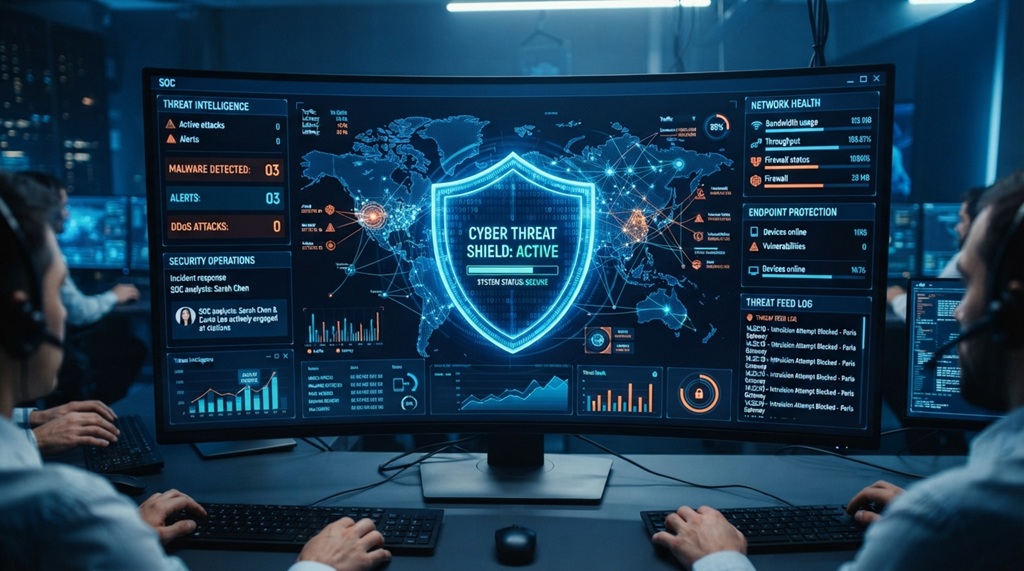
Advanced cybersecurity tools protect data by detecting threats early, blocking unauthorized access, and encrypting sensitive files. They work together as a system, not as single fixes. Used correctly, they can stop most attacks before real damage happens.
Data breaches are not rare anymore. They hit small businesses, hospitals, schools, and global brands alike. The right tools set up the right way make the difference between a minor alert and a front-page disaster.
This guide breaks down the tools that matter most in 2026, how to use each one, and how to combine them into a system that actually holds up under pressure.
What Advanced Cybersecurity Tools Actually Do
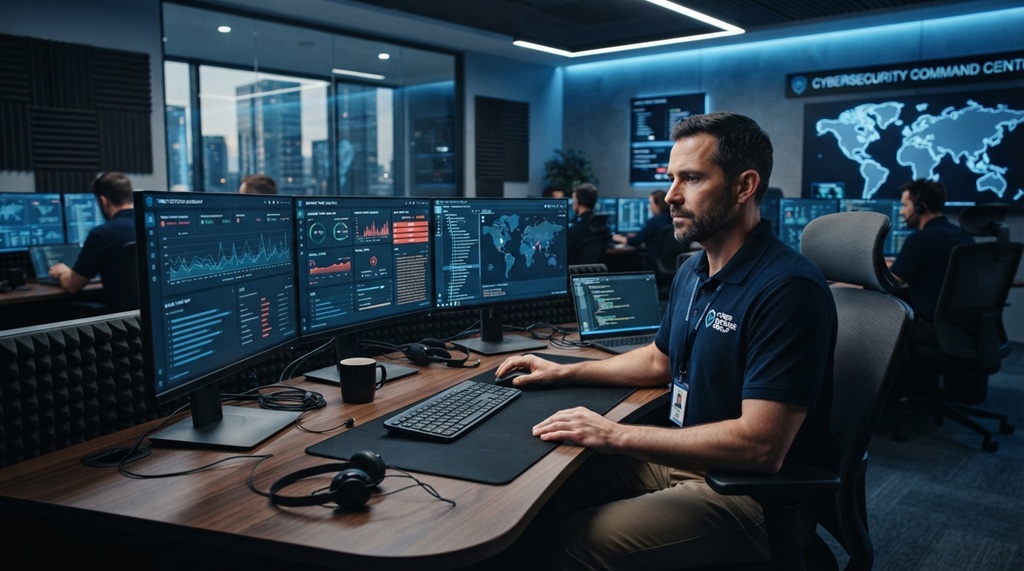
Advanced cybersecurity tools go beyond basic antivirus software. They watch for unusual behavior, respond to threats automatically, and give security teams visibility across an entire network.
Traditional antivirus checks files against known virus signatures. That still matters, but it misses a lot. Modern attackers use new malware variants daily. Advanced tools close that gap in three ways:
They Detect Threats in Real Time
Modern tools monitor network traffic and user activity continuously. When something looks off a login from an unusual location, a sudden spike in data transfer the system flags it instantly instead of waiting for a scheduled scan.
They Respond Automatically
Many tools now isolate infected devices or block suspicious connections without waiting for a human to act. This matters because ransomware can encrypt an entire network in minutes. Automated response buys critical time.
They Provide Centralized Visibility
Security teams can no longer manage threats one device at a time. Dashboards that pull data from every endpoint, server, and cloud account let teams spot patterns a single alert would never reveal.
Core Categories of Advanced Cybersecurity Tools
Most modern cybersecurity strategies rely on five fundamental tool categories to create a resilient, defense-in-depth architecture. Each category safeguards a distinct layer of the digital ecosystem—from endpoint detection and cloud infrastructure to automated threat intelligence ensuring that a compromise at one level is swiftly contained before it impacts critical assets. Because skipping any single layer creates an exposed vector that sophisticated attackers can exploit, securing data across dynamic, hybrid environments requires continuous alignment with robust infrastructure. To establish a seamless foundation for these security layers, explore how to integrate cloud computing into your enterprise while maintaining strict governance, compliance, and end-to-end data control.
Endpoint Detection and Response (EDR)
EDR tools monitor laptops, phones, and servers for suspicious activity. If malware starts running, EDR can isolate the device and alert the security team before it spreads further.
Security Information and Event Management (SIEM)
SIEM platforms collect logs from across an organization and analyze them for signs of an attack. They act as a central nervous system, connecting small warning signs that would look harmless on their own.
Data Loss Prevention (DLP)
DLP tools stop sensitive data from leaving the organization without permission. They can block an employee from emailing a spreadsheet full of customer records to a personal account, for example.
Encryption Tools
Encryption scrambles data so it’s unreadable without the correct key. Even if attackers steal encrypted files, they can’t use them without breaking the encryption which, done properly, is extremely difficult.
Identity and Access Management (IAM)
IAM tools control who can access what. Multi-factor authentication, role-based permissions, and single sign-on all fall under this category. Most breaches start with stolen or weak credentials, so this layer matters more than people often assume.
How to Choose the Right Tools for Your Organization
The best cybersecurity tool for your organization depends on your data type, your team size, and your budget not on whatever tool ranks highest on review sites.
Start With a Risk Assessment
Before buying anything, map out what data you actually hold and where it lives. A healthcare provider handling patient records has different needs than a small retail business handling payment data. Know your risks before you shop for solutions.
Match Tools to Your Team’s Capacity
A five-person IT team can’t manage the same tool stack as a 200-person security department. Some platforms need dedicated staff to monitor alerts around the clock. Others run mostly on autopilot. Be honest about what your team can realistically handle.
Check for Integration, Not Just Features
A tool that doesn’t talk to your existing systems creates blind spots. According to industry experts, poor integration between security tools is one of the most common reasons breaches go undetected for weeks or months. Before buying, ask vendors directly how their tool connects with what you already use.
Step-by-Step: Setting Up a Layered Defense System
A layered defense combines multiple tools so that if one fails, another catches the threat. Here’s a practical setup order that works for most organizations.
- Secure identity first. Turn on multi-factor authentication everywhere possible. This single step blocks a huge share of unauthorized access attempts.
- Deploy endpoint protection. Install EDR on every device that connects to your network, including remote employee laptops.
- Encrypt sensitive data. Apply encryption both to stored data and to data moving across your network.
- Set up centralized monitoring. Connect your tools to a SIEM platform so your team can see the full picture, not scattered alerts.
- Add data loss prevention rules. Define what counts as sensitive data and set rules to block it from leaving without approval.
- Test the system regularly. Run simulated attacks (often called penetration tests) to find weak spots before real attackers do.
This order matters. Identity and endpoint protection stop the most common attacks. Encryption and monitoring limit the damage if something slips through.
One Angle Most Guides Miss: Tool Fatigue Is a Real Risk
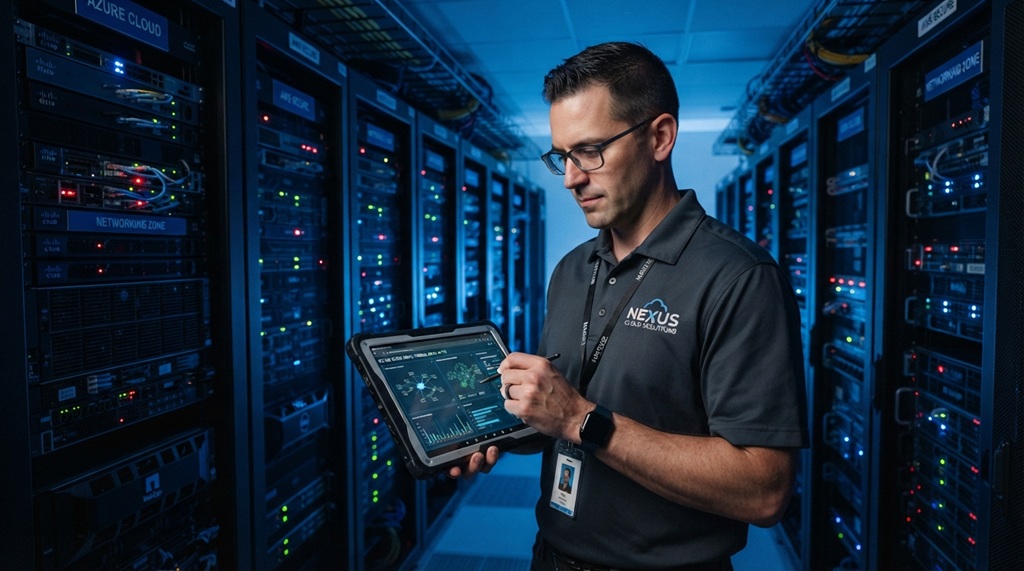
Adding more tools doesn’t automatically mean better protection and sometimes it backfires. Security teams that juggle too many disconnected platforms often miss real threats buried in a flood of alerts.
This is called alert fatigue, and it’s a growing problem. A team receiving hundreds of low-priority alerts daily starts tuning them out, including the ones that matter. The fix isn’t more tools. It’s fewer, better-integrated ones, paired with clear rules about what actually needs a human response.
Before adding another tool to your stack, ask whether it reduces noise or adds to it. A platform that consolidates alerts from five sources into one clear dashboard is often more valuable than five separate point solutions.
Common Mistakes That Weaken Even Advanced Tools
Even the best cybersecurity tools fail when organizations skip basic maintenance and training. The tool isn’t the weak point how people use it usually is.
Leaving Default Settings Unchanged
Many breaches trace back to default passwords or default configurations that were never updated after installation. Change default settings immediately, every time.
Ignoring Software Updates
Outdated software carries known vulnerabilities that attackers actively scan for. Set updates to run automatically wherever possible, and check manually for anything that doesn’t.
Skipping Employee Training
Tools can’t stop an employee from clicking a convincing phishing link. Regular, simple training sessions reduce this risk significantly. Make training practical, not theoretical show real examples of phishing attempts your industry actually sees.
Treating Security as a One-Time Project
Cybersecurity isn’t something you set up once and forget. Threats evolve constantly, and your tools and policies need regular review to keep up.
Frequently Asked Questions
What is the most important cybersecurity tool for small businesses?
Multi-factor authentication is usually the highest-impact, lowest-cost tool available. It blocks a large share of unauthorized access attempts and takes little time to set up. Pair it with basic endpoint protection for a strong starting point.
How much should a small business spend on cybersecurity tools?
Costs vary widely, but many experts recommend allocating a meaningful share of the IT budget specifically to security, scaled to the sensitivity of the data involved. Businesses handling payment or health data typically need to invest more than those handling low-risk information.
Can advanced cybersecurity tools stop all cyberattacks?
No tool guarantees complete protection. Advanced tools significantly reduce risk and limit damage, but human error and new attack methods mean no system is perfectly secure. Layered defenses combined with staff training offer the strongest realistic protection.
How often should a company update its cybersecurity tools?
Software updates should happen as soon as they’re available, ideally through automatic updates. Beyond patches, review your overall tool stack and strategy at least once a year, or after any major security incident.
Do small businesses really need enterprise-level cybersecurity tools?
Not necessarily the same scale, but the same categories of protection matter regardless of size. Many vendors offer scaled-down versions of enterprise tools built specifically for smaller budgets and teams.
Conclusion
Advanced cybersecurity tools protect data most effectively when they work together as a layered system not as isolated purchases. Start with identity protection and endpoint security, add encryption and monitoring, and keep testing the system over time.
The tools matter, but so does how you use them. Regular updates, employee training, and a willingness to review your setup keep your defenses strong as threats change. Data protection isn’t a single project with an end date. It’s an ongoing habit that pays off every day it prevents a breach.





Leave a Reply